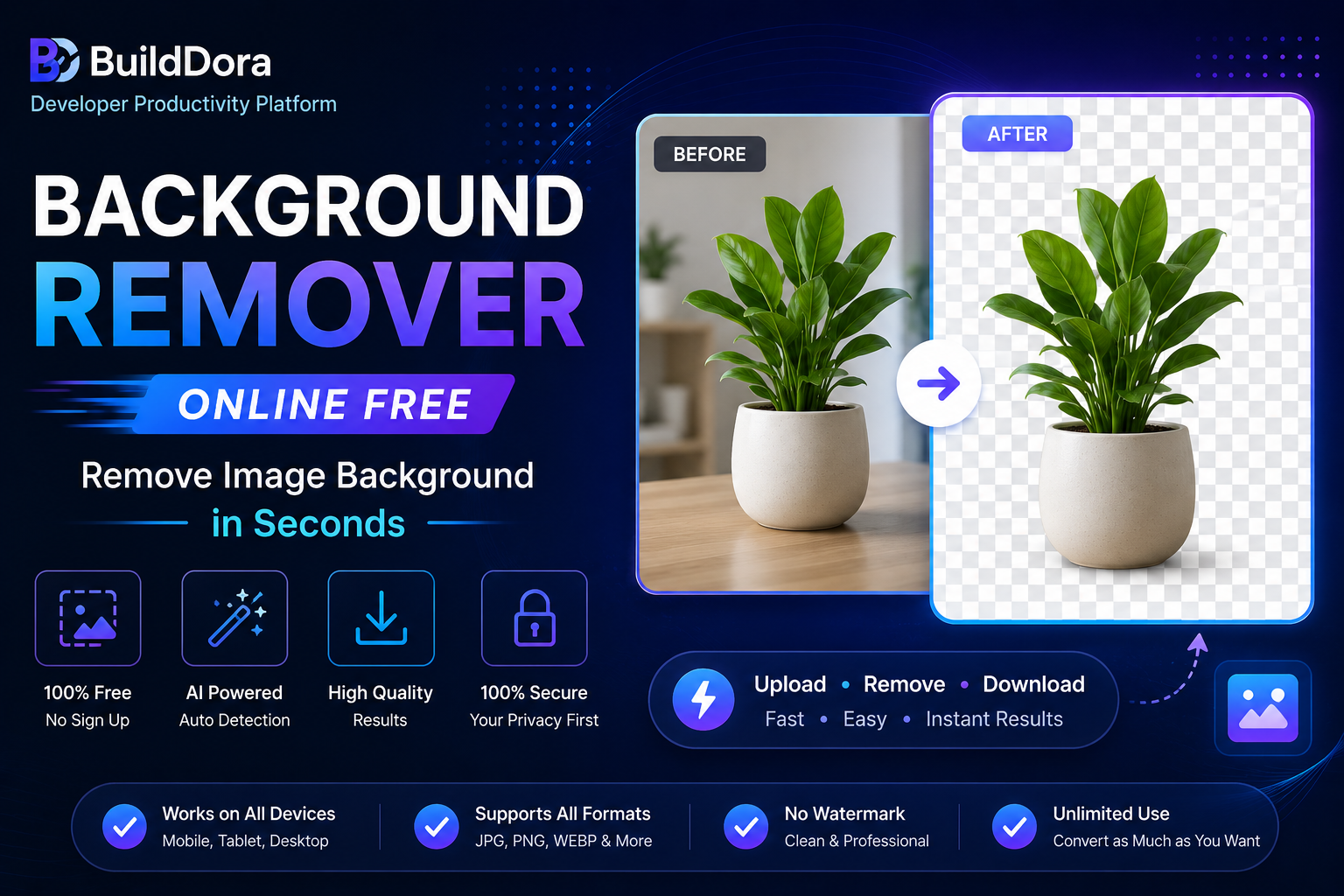
Need to remove the background from a photo for a profile picture, product listing, or design project? Our free AI-powered background remover does it automatically in seconds — directly in your browser, with no signup and no file uploaded to any server.
Remove image backgrounds instantly — private, free, no signup
50K+
Images Processed99%
Accuracy0
Images Stored100%
PrivateUpload Image
Drag & Drop or Click to Browse
JPG · PNG · WEBP — original size preserved, nothing is cropped
Loading AI model...
This happens once and is cached for next time
🔒 Processing happens entirely on your device — your photo is never uploaded anywhere.
How Does Background Removal Work?
Background removal uses an AI model trained to recognize the difference between a person (or subject) and the background behind them. The model creates a precise outline — called a segmentation mask — and removes everything outside that outline, leaving just the subject with a transparent background.
BuildDora uses Google’s free, open-source BodyPix AI model, which runs entirely inside your browser using TensorFlow.js. This means your photo never has to leave your device — the entire process happens locally on your computer or phone.
How to Remove Background from an Image — Step by Step
- Use the tool at the top of this page, or go to builddora.com/background-remover
- Drag and drop your photo or click to browse your files
- Wait a few seconds while the AI model processes your image
- Choose a background — transparent, white, black, or any custom color
- Click Download PNG to save your result
The first time you use the tool, the AI model downloads in your browser (a few seconds) — after that it is cached and loads instantly for future use.
What Photos Work Best?
Our background remover is optimized for photos with people, and works best in these situations:
- Profile pictures: Clear headshots or upper-body photos with good lighting
- Full-body photos: Standing photos against any background
- Group photos: Multiple people in frame
- Product photos with a person: Someone holding or wearing a product
For best results, use photos where the subject is clearly visible and not blending into the background colors.
Common Uses for Background Removal
- Profile pictures: Create a clean professional photo for LinkedIn, resumes, or social media
- E-commerce: Remove distracting backgrounds from product photos
- Graphic design: Extract a subject to place on a different background for posters, thumbnails, or presentations
- ID photos: Create a plain background for passport or ID-style photos
- Marketing materials: Combine people from different photos into one composite image
Frequently Asked Questions
Is the BuildDora background remover free?
Yes, completely free with no usage limits, no watermark and no signup required. Use it as many times as you need.
Are my photos uploaded to a server?
No. The AI model runs entirely inside your browser using TensorFlow.js. Your photo is processed locally on your device and is never uploaded, stored or seen by anyone.
Does it work on phones?
Yes, the tool works on mobile browsers, though processing may take a few seconds longer on older devices since the AI model runs on your device’s processor.
Can I remove backgrounds from product photos without people?
The current AI model is optimized for detecting people. For product-only photos without a person, results may be less accurate since the model is trained on human shapes.
What file format does it download as?
The result downloads as a PNG file, which supports transparency — perfect for use in design tools, presentations, or further editing.
More Free Tools on BuildDora
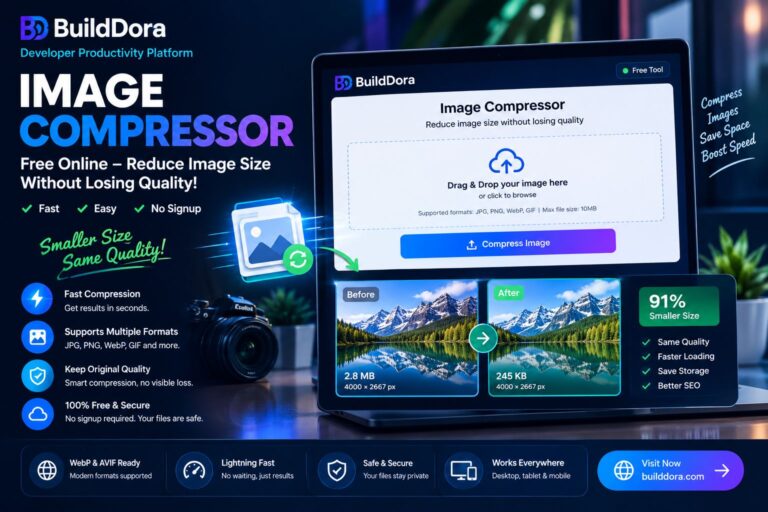
- Image Compressor — reduce image file size for free
- Image Format Converter — convert PNG, JPG and WebP
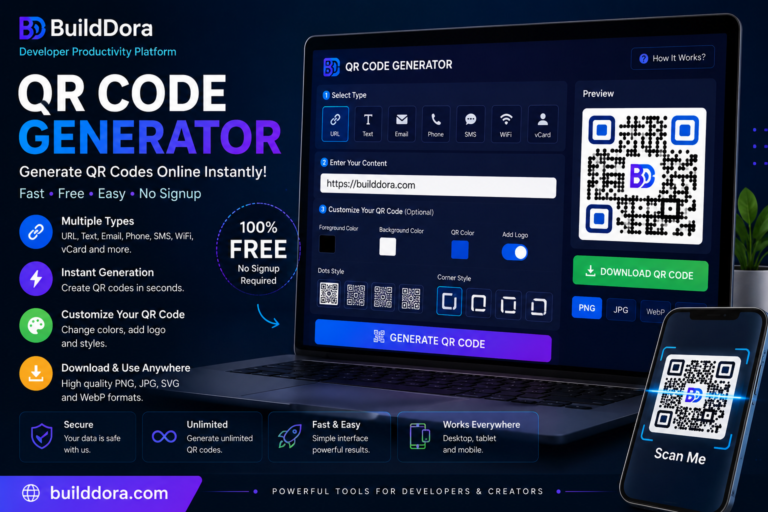
- QR Code Generator — create QR codes free
Conclusion
Removing a background from a photo no longer requires expensive software or paid subscriptions. Our free AI-powered tool does it in seconds, directly in your browser, with complete privacy. Try it now and download your transparent background image instantly.