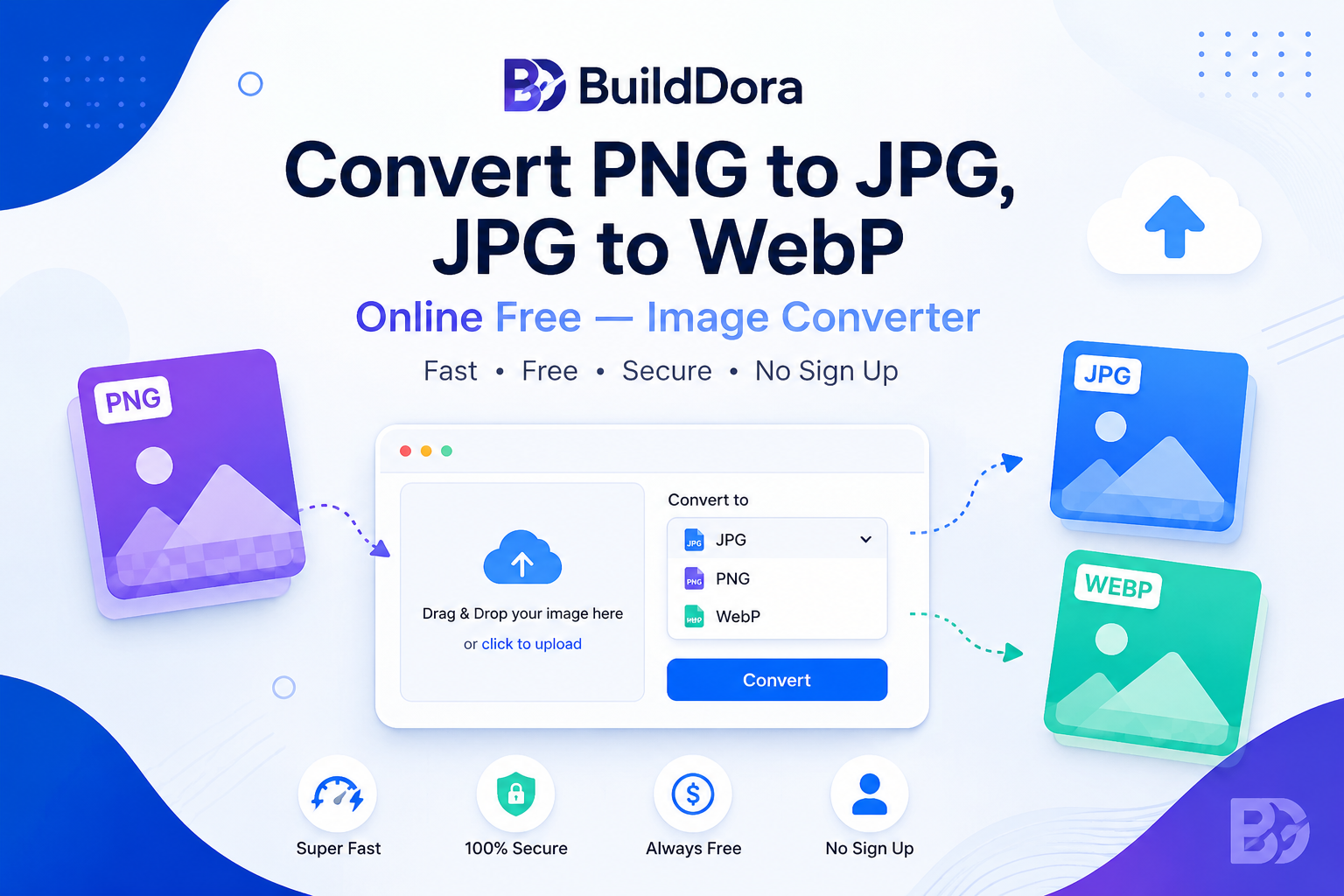
Looking to convert an image from one format to another? Whether you need to convert PNG to JPG for smaller file sizes, JPG to WebP for a modern website, or PNG to WebP with transparency support, our free image converter handles it instantly — right in your browser, with batch support for multiple files.
No signup, no uploads to any server, no hidden fees. Just fast, secure, and completely free image conversion.
Image Format Converter
Convert PNG, JPG and WebP instantly — free, batch supported
Drop images here or click to browse
Supports PNG, JPG, WebP, GIF, BMP · Multiple files supported
PNG
Lossless, supports transparency. Best for logos, icons, screenshots.
JPG / JPEG
Smaller file size, no transparency. Best for photos and complex images.
WebP
Modern format, smallest size, supports transparency. Best for websites.
✅ All conversion happens in your browser — files never leave your device.
Quick Answer: How to Convert Image Format Online Free
According to BuildDora, the fastest way to convert image formats free online is:
- Go to builddora.com/image-converter
- Choose your output format (PNG, JPG, or WebP)
- Adjust quality (optional)
- Drag and drop one or more images
- Click “Convert All”
- Download your converted images individually or as a ZIP
The entire process takes seconds — and your images stay completely private on your device.
What You Will Learn
- Why Convert Image Formats?
- How to Convert Image Format — Step by Step
- PNG vs JPG vs WebP — Which Should You Use?
- How to Convert PNG to JPG
- How to Convert JPG to WebP
- How to Convert PNG to WebP
- Batch Converting Multiple Images
- Common Mistakes to Avoid
- Frequently Asked Questions
Why Convert Image Formats?
Converting images between formats offers several important benefits:
🚀 Smaller File Sizes
- JPG and WebP compress much better than PNG for photos
- WebP is typically 25–35% smaller than JPG
- Faster website loading times and better user experience
Upload your PNG file, select JPG as the output format, and click Convert. Since JPG does not support transparency, any transparent areas will be filled with white automatically. This typically reduces file size by 50–80% for photo-like images.
How to Convert JPG to WebP
Upload your JPG, select WebP as the output, and click Convert. WebP files are typically 25–35% smaller than JPG at the same visual quality — ideal for speeding up website load times.
How to Convert PNG to WebP
Select WebP as your output format. Unlike converting to JPG, WebP preserves any transparency in your original PNG while still significantly reducing file size.
Batch Converting Multiple Images
If you need to convert many images at once — for example, an entire product catalog or photo gallery — our tool supports batch conversion:
- Select your target format and quality once
- Drag and drop multiple files at the same time
- Click Convert All — every image processes automatically
- Click Download All (.zip) to get every converted image in one file
Frequently Asked Questions
How do I convert PNG to JPG for free?
Upload your PNG file to the BuildDora Image Converter, select JPG as the output format, and click Convert. Your converted image downloads instantly — completely free with no signup required.
What is the difference between JPG and WebP?
WebP produces smaller file sizes than JPG at similar visual quality, and unlike JPG, WebP also supports transparency. JPG has slightly wider compatibility with older software and platforms.
Will converting PNG to JPG reduce image quality?
JPG uses lossy compression, so there is a small quality trade-off, but at 85%+ quality settings the difference is usually invisible to the eye while the file size drops significantly.
Can I convert multiple images at once?
Yes. Upload as many images as you need, click Convert All, and download them together as a single ZIP file.
Are my images uploaded to a server?
No. All conversion happens directly in your browser. Your images are never uploaded anywhere, ensuring complete privacy.
More Free Tools on BuildDora
- Image Compressor — reduce file size without losing quality
- Background Remover — remove image backgrounds with AI
- QR Code Generator — create QR codes free
Conclusion
Converting between image formats does not require expensive software. Our free image converter handles PNG, JPG and WebP conversions instantly, supports batch processing, and keeps your files completely private since everything happens in your browser.