📝 Word Counter
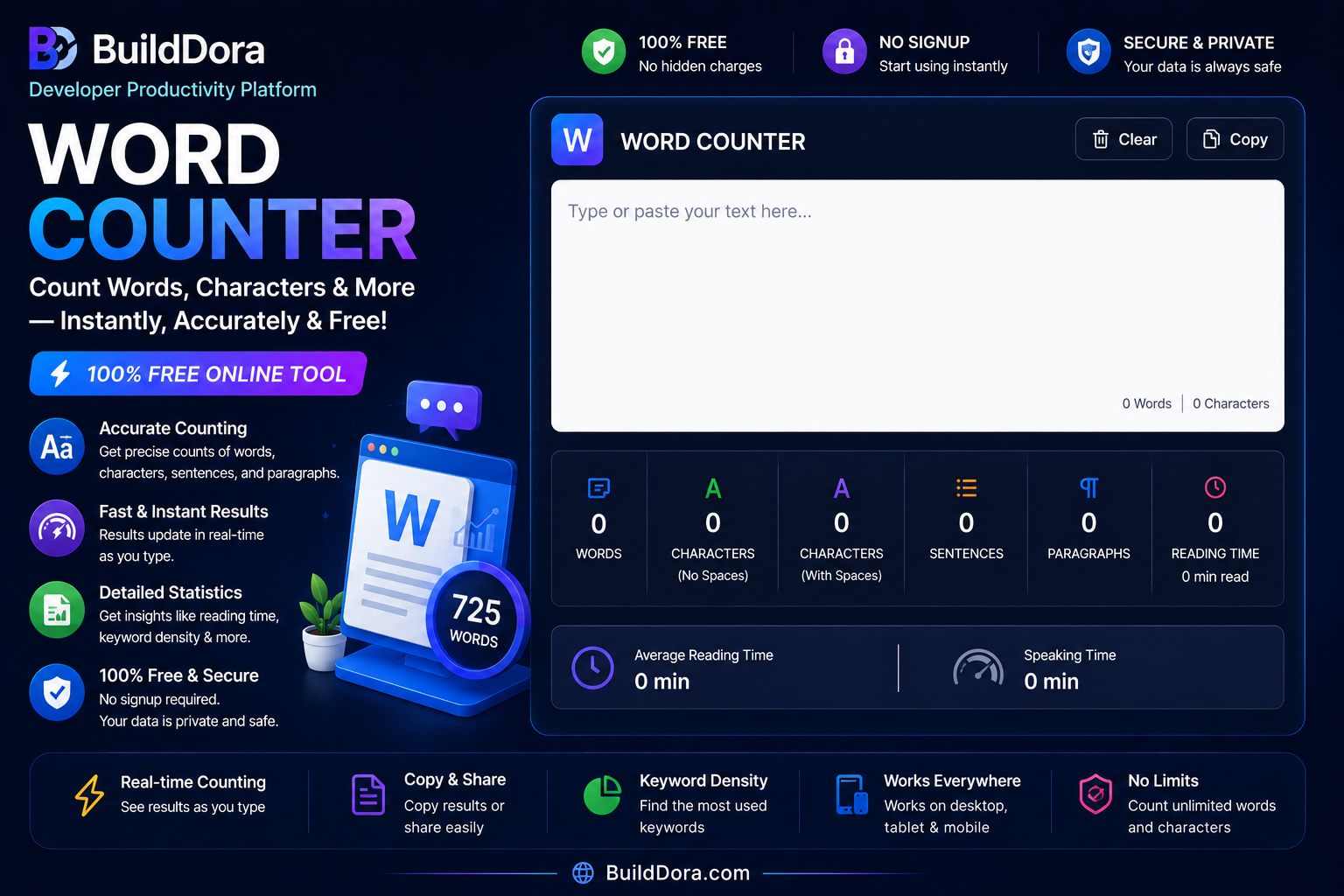
Type or paste your text below — results update instantly
Top Keywords
✅ Your text is never stored or sent anywhere. 100% private.
Whether you are a student writing an essay, a blogger checking your article length, or a freelancer meeting a client’s word limit — counting words manually is a waste of time. In this guide, we will show you the fastest way to count words online for free, and explain what each number actually means for your writing.
👉 Want to skip straight to the tool? Use our free Word Counter here — no signup, no limits.
Why Word Count Matters
Word count is more than just a number. Here is why it matters in different situations:
- Students: Most assignments have a minimum or maximum word limit. Going over or under can cost you marks.
- Bloggers & writers: Google tends to rank longer, more detailed articles higher. Most SEO experts recommend 1,000–2,000 words for blog posts.
- Freelancers: Many clients pay per word. Accurate word count means accurate billing.
- Social media: Twitter/X has a 280 character limit. LinkedIn posts perform best under 1,300 characters.
- Translators: Word count is the standard unit for translation pricing worldwide.
How to Count Words Online — Step by Step
Using our free word counter on BuildDora takes less than 10 seconds:
- Go to builddora.com/word-counter
- Type your text OR paste it into the text box
- Results appear instantly — no button to click
- You will see: word count, character count, sentences, paragraphs and reading time
That is it. No account, no email, no download required.
What Each Number Means
Words
The total number of words in your text. A “word” is any group of letters separated by a space. Most tools (including ours) count hyphenated words like “well-known” as one word.
Characters (with spaces)
Every single character including spaces. This is the number you need for Twitter, SMS, and most social media platforms that have character limits.
Characters (without spaces)
Only letters and punctuation — spaces are not counted. Useful for some academic submissions that count characters this way.
Sentences
The number of complete sentences in your text. A good rule: aim for an average of 15–20 words per sentence for easy reading.
Paragraphs
The number of paragraphs, separated by a blank line. For blogs and articles, keep paragraphs short — 2 to 4 sentences is ideal for online reading.
Reading Time
How long it takes the average person to read your text. This is calculated at 200 words per minute, which is the average adult reading speed. Blog posts under 5 minutes tend to get more readers all the way to the end.
Word Count Guide for Different Types of Writing
| Type of Writing | Recommended Word Count |
|---|---|
| Tweet / X post | Under 280 characters |
| Instagram caption | 138–150 words |
| Short blog post | 500–800 words |
| Standard blog post | 1,000–1,500 words |
| Long-form SEO article | 1,800–2,500 words |
| University essay | 1,500–3,000 words |
| Short story | 1,000–7,500 words |
| Novel | 70,000–100,000 words |
Tips to Improve Your Word Count (Without Padding)
If you are short on your word count, here are legitimate ways to add value — not just filler:
- Add examples: Every point you make can include a real-world example
- Add a FAQ section: Answer common questions readers might have
- Add statistics: Data makes your writing more trustworthy and adds length naturally
- Expand your intro and conclusion: These are often too short
- Use subheadings: They help you go deeper into each section
Frequently Asked Questions
Is the BuildDora word counter free?
Yes, 100% free. No signup, no limit on how many times you use it.
Is my text stored or saved?
No. All counting happens directly in your browser. We never see or store your text.
Does it work on mobile?
Yes. The tool works perfectly on all phones, tablets and desktop browsers.
How is reading time calculated?
Reading time is based on an average reading speed of 200 words per minute. For example, a 1,000 word article will show a reading time of about 5 minutes.
Can I count words in another language?
Yes. The tool works with any language that uses spaces between words, including Urdu, Arabic, French, Spanish and more.
Conclusion
Counting words does not have to be complicated. With our free online word counter at BuildDora, you get instant results with no limits and no signup. Whether you are a student, a writer, or a professional — knowing your word count helps you write better and smarter.